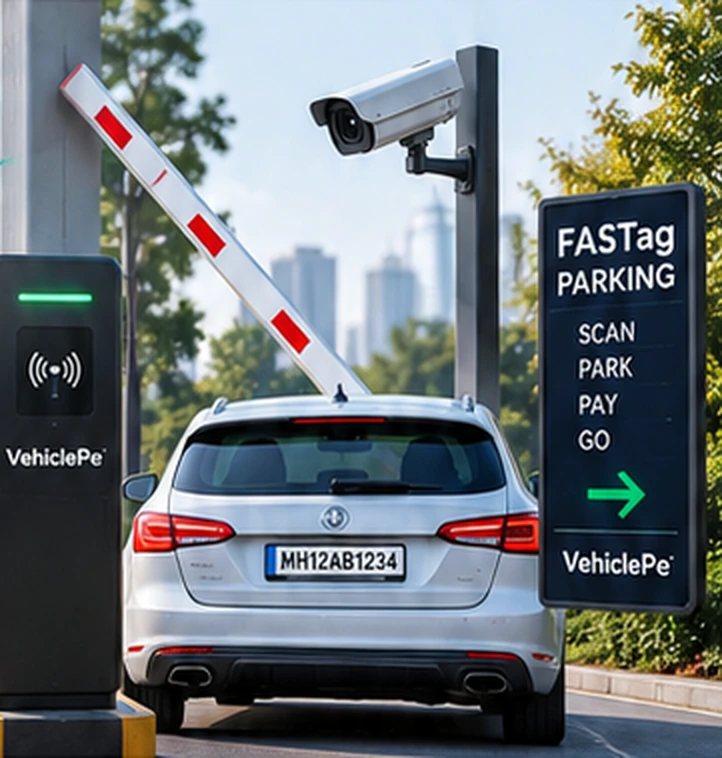
 01
01Hotels & restaurants
Organise guest arrivals, issue a valet reference and manage vehicle returns through one pickup queue.
Discuss your requirement →GUEST ARRIVALS, THOUGHTFULLY MANAGED
Bring vehicle entry, pickup requests, driver coordination and handover together. A clearer experience for your guests and your team.
BUILT AROUND YOUR VENUE
Choose the operating flow that fits your location. Our team can discuss a venue-specific arrangement.
01Organise guest arrivals, issue a valet reference and manage vehicle returns through one pickup queue.
Discuss your requirement →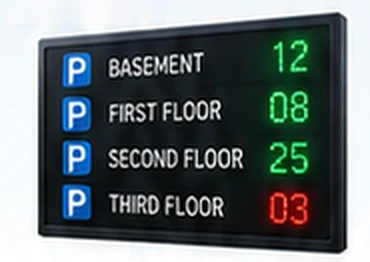 02
02Keep valet visits, driver assignments and handover history together for the operating team.
Discuss your requirement →03Discuss your arrival flow, event timing and staffing needs with our team before confirming an arrangement.
Discuss your requirement →SIMPLE AT EVERY STEP
Your team creates a valet entry for the arriving vehicle.
The customer uses their private link to request pickup; the team assigns a driver.
The team marks progress and explicitly confirms the final handover.
OPERATIONS THAT CONNECT
The existing VehiclePe valet workflow connects the guest’s request with the operating team. Staff access follows the permissions already set for your location.
Explore operations →YOUR WORKSPACE
Use your authorised vendor or staff account for these operations.
Record the vehicle, customer WhatsApp number and vehicle type. Create a separate valet visit.
Valet entry →Review guest pickup requests, assign a registered driver and follow the return status.
Pickup queue →Confirm the vehicle handover, complete the valet visit and review completed visits.
Handover & exit →BEFORE YOU START
After valet entry, the customer uses the private visit link shared through the configured WhatsApp workflow. That link contains their pickup request and visit status.
The customer pickup workflow uses a private visit link. Operations pages require an authorised vendor or staff login.
The owner or authorised supervisor selects a driver from the registered driver list when a pickup request arrives.
Contact our operations team with your venue, city, date, operating hours and expected vehicle volume. Staffing, availability and charges are confirmed after discussion.